Product overview
I saw an ad for an app that basically let you take quick notes in a really simple form. It was like a more extensive to-do list. I liked that idea, but I find myself not really getting into that habit unless it’s quickly available.
The only time I’ve really felt that way is with sticky notes. Having them easily accessible made it simple for me to add a quick note. I wanted something on my Mac that felt just as easy, something I could do instinctively.
So I created Brain Cache and its little pet, Blob. It helps me quickly add notes, with a bunch of functionality built to my liking. I can add tags, make checklists, attach files, or set a reminder when I want to come back to something.
Because so much of it is based on how I like to work, I’m preparing to open source it so people can tailor it to their own liking. The idea is that people can plug and play with what’s there, change what they want, and work on its future development collectively.
Making it quick to add a note
I wanted to be able to add a note as soon as I thought of it. ⌥ Space brings up a small window, I type, and ⌘ Return saves it. If all I have is a line of text, that’s enough. I can add tags or files when I need them, and the window grows as I write.
I liked having a little pet attached to this. Blob stays out of the way until I need it, and I can get back to what I was doing after saving a note. Setting reminders and organizing things can wait until I’m looking through the library.
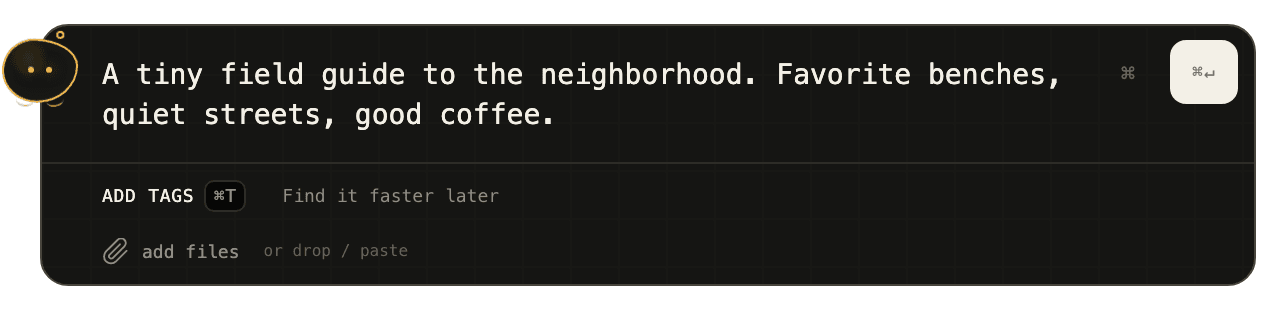
Knowing the note is saved
I wanted to save a thought and move on without wondering if it actually saved. Notes stay on my Mac, so I can add them without an account or an internet connection. The app checks that the save worked before showing a confirmation. If it fails, the note stays in the window so I can try again.
Files I attach are copied into the app’s storage, and edits save as I go. Deleted notes also go to Trash, so I can restore something if I change my mind.
Doing more with a note later
Some notes stay as a quick thought, and others become something I want to do more with. I added tags and search to help me find them, pins to keep a note nearby, and checklists for things I need to get done. I don’t have to decide any of that when I first add the note.
If I want to spend more time on a note, I can open its card or expand it for more room to write. When I close it, I’m back where I left off in the library, with the same search and filters. It makes it easier to look through a few notes without losing my place.
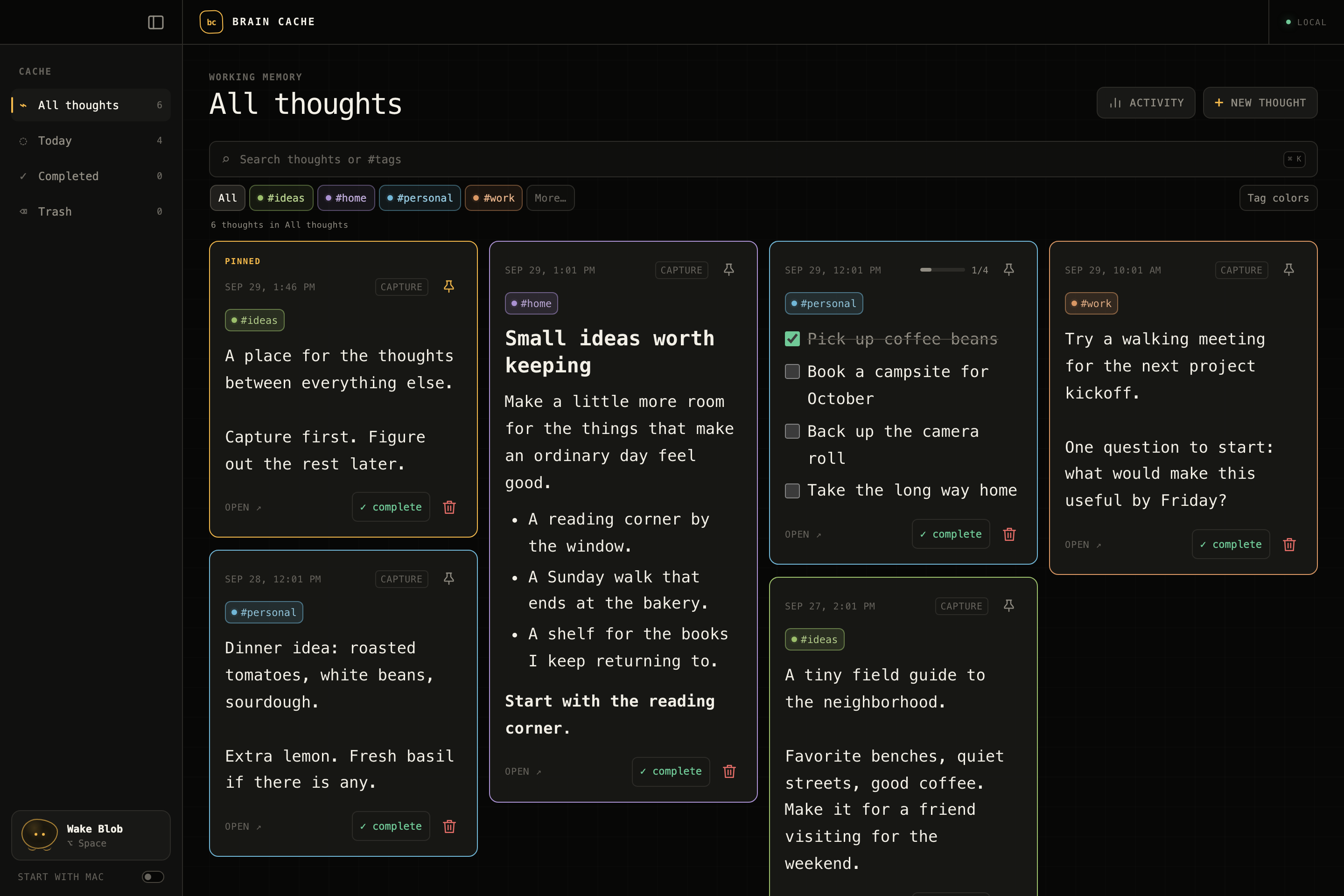
Opening a note and coming back to the library. Animated walkthrough using browser previews with sample data.